







ماڵپەڕ · دامەزراندن · رێکخستن


WARNING
The default branch has been renamed from master to main. If you have a local clone, update it by running:
git branch -m master main
git fetch origin
git branch -u origin/main main
git remote set-head origin -a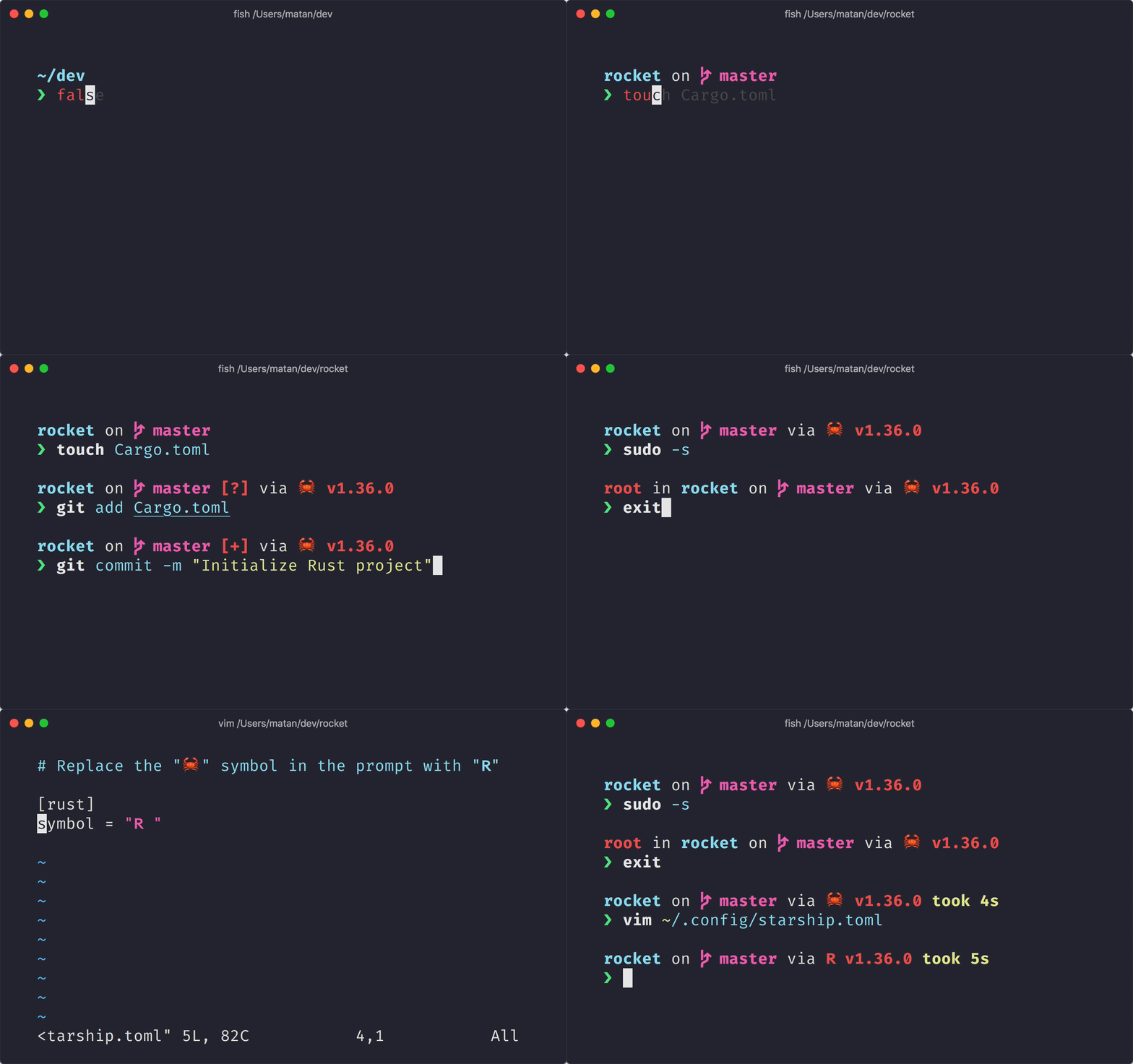
The minimal, blazing-fast, and infinitely customizable prompt for any shell!
- Fast: it's fast – really really fast! 🚀
- Customizable: configure every aspect of your prompt.
- Universal: works on any shell, on any operating system.
- Intelligent: shows relevant information at a glance.
- Feature rich: support for all your favorite tools.
- Easy: quick to install – start using it in minutes.
پێشمەرجەکان
پێشمەرجەکان
- A Nerd Font installed and enabled in your terminal (for example, try the FiraCode Nerd Font).
Step 1. Install Starship
Select your operating system from the list below to view installation instructions:
Android
Install Starship using any of the following package managers:
| Repository | Instructions |
|---|---|
| Termux | pkg install starship |
BSD
Install Starship using any of the following package managers:
| Distribution | Repository | Instructions |
|---|---|---|
| Any | crates.io | cargo install starship --locked |
| FreeBSD | FreshPorts | pkg install starship |
| NetBSD | pkgsrc | pkgin install starship |
Linux
Install the latest version for your system:
curl -sS https://starship.rs/install.sh | shAlternatively, install Starship using any of the following package managers:
| Distribution | Repository | Instructions |
|---|---|---|
| Any | crates.io | cargo install starship --locked |
| Any | conda-forge | conda install -c conda-forge starship |
| Any | Linuxbrew | brew install starship |
| Alpine Linux 3.13+ | Alpine Linux Packages | apk add starship |
| Arch Linux | Arch Linux Extra | pacman -S starship |
| CentOS 7+ | Copr | dnf copr enable atim/starship dnf install starship |
| Debian 13+ | Debian Main | apt install starship |
| Fedora 40+ | Copr | dnf copr enable atim/starship dnf install starship |
| Gentoo | Gentoo Packages | emerge app-shells/starship |
| Manjaro | pacman -S starship | |
| NixOS | nixpkgs | nix-env -iA nixpkgs.starship |
| openSUSE | OSS | zypper in starship |
| Ubuntu 25.04+ | Ubuntu Universe | apt install starship |
| Void Linux | Void Linux Packages | xbps-install -S starship |
macOS
Install the latest version for your system:
curl -sS https://starship.rs/install.sh | shAlternatively, install Starship using any of the following package managers:
| Repository | Instructions |
|---|---|
| crates.io | cargo install starship --locked |
| conda-forge | conda install -c conda-forge starship |
| Homebrew | brew install starship |
| MacPorts | port install starship |
Windows
Install the latest version for your system with the MSI-installers from the releases section.
Install Starship using any of the following package managers:
| Repository | Instructions |
|---|---|
| crates.io | cargo install starship --locked |
| Chocolatey | choco install starship |
| conda-forge | conda install -c conda-forge starship |
| Scoop | scoop install starship |
| winget | winget install --id Starship.Starship |
Step 2. Set up your shell to use Starship
Configure your shell to initialize starship. Select yours from the list below:
Bash
ئەمەی خوارەوە زیادبکە لە کۆتایی ~/.bashrc:
eval "$(starship init bash)"Cmd
You need to use Clink (v1.2.30+) with Cmd. Create a file at this path %LocalAppData%\clink\starship.lua with the following contents:
load(io.popen('starship init cmd'):read("*a"))()Elvish
Add the following to the end of ~/.config/elvish/rc.elv (%AppData%\elvish\rc.elv on Windows):
eval (starship init elvish)Note: Only Elvish v0.18+ is supported. For elvish versions prior to v0.21.0 the config file might instead be ~/.elvish/rc.elv
Fish
ئەمەی خوارەوە زیادبکە لە کۆتایی ~/.config/fish/config.fish:
starship init fish | sourceIon
ئەمەی خوارەوە زیادبکە لە کۆتایی ~/.config/ion/initrc:
eval $(starship init ion)Nushell
Add the following to the end of your Nushell configuration (find it by running $nu.config-path in Nushell):
mkdir ($nu.data-dir | path join "vendor/autoload")
starship init nu | save -f ($nu.data-dir | path join "vendor/autoload/starship.nu")
Note: Only Nushell v0.96+ is supported
PowerShell
Add the following to the end of your PowerShell configuration (find it by running $PROFILE):
Invoke-Expression (&starship init powershell)Tcsh
ئەمەی خوارەوە زیادبکە لە کۆتایی ~/.tcshrc:
eval `starship init tcsh`Xonsh
ئەمەی دێت زیادبکە بۆ کۆتایی پەڕگەی ~/.xonshrc:
execx($(starship init xonsh))Zsh
ئەمەی خوارەوە زیادبکە لە کۆتایی ~/.zshrc:
eval "$(starship init zsh)"Step 3. Configure Starship
Start a new shell instance, and you should see your beautiful new shell prompt. If you're happy with the defaults, enjoy!
If you're looking to further customize Starship:
Configuration – learn how to configure Starship to tweak your prompt to your liking
Presets – get inspired by the pre-built configuration of others
🤝 بەژداریکردن
We are always looking for contributors of all skill levels! If you're looking to ease your way into the project, try out a good first issue.
ئەگەر پاراویت لە زمانێک جگە لە ئینگلیزی، ئێمە زۆر خۆشحاڵدەبین بە هەر یارمەتییەک کە بەڵگەنامەکانمان بە وەرگێڕدراوی بهێڵێتەوە و نوێکراوی بهێڵێتەوە بە زمانەکانی دیکە. If you would like to help, translations can be contributed on the Starship Crowdin.
If you are interested in helping contribute to starship, please take a look at our Contributing Guide. Also, feel free to drop into our Discord server and say hi. 👋
💭 ئیلهامبەخشەکان
تکایە ئەم کارە کۆنانە سەیربکەوە کە ئیلهامی دروستکردنی starship دا. 🙏
denysdovhan/spaceship-prompt – A ZSH prompt for astronauts.
denysdovhan/robbyrussell-node – Cross-shell robbyrussell theme written in JavaScript.
reujab/silver – A cross-shell customizable powerline-like prompt with icons.
❤️ Sponsors
Support this project by becoming a sponsor. Your name or logo will show up here with a link to your website.
🔒 Code Signing Policy
Free code signing provided by SignPath.io, certificate by SignPath Foundation.
Code Signing Roles:
- Reviewers: Astronauts
- Approvers and Authors: Mission Control
This program will not transfer any information to other networked systems unless specifically requested by the user or the person installing or operating it.

📝 مۆڵەتنامە
Copyright © 2019-present, Starship Contributors.
This project is ISC licensed.